Write prompts that get great answers
Learn Prompt Engineering teaches you to get clear, useful results from AI tools like ChatGPT, Gemini, Claude and Copilot. Short lessons, real examples you can copy, quick quizzes, and a certificate anyone can verify.
- 10 modules
- 50 short lessons
- ~8 h at your own pace
- Free with ads
No account needed. Lessons work offline.
Same AI. Very different answers.
Most disappointing AI answers come from vague prompts. The course shows you how to give the AI a role, the task, the context and the format you want.
- Role
- Who the AI should be.
- Task
- Exactly what you want done.
- Context
- Who it’s for and what matters.
- Format
- Tone, length and shape of the answer.
Vague prompt
Write a post about our new app.
The AI has to guess the audience, platform, tone and length, so you get something generic.
Clear prompt
RoleYou are a social media manager for a small education startup. TaskWrite a LinkedIn post announcing our free app that teaches prompt engineering in 10 short modules.

ContextAudience: busy professionals new to AI.
FormatTone: friendly and confident, no hype.
Length: 3 short paragraphs, 1 call to action.
Role, task, context and format: the building blocks from Module 3.
Built for learning, not scrolling.
-
Short, plain-language lessons
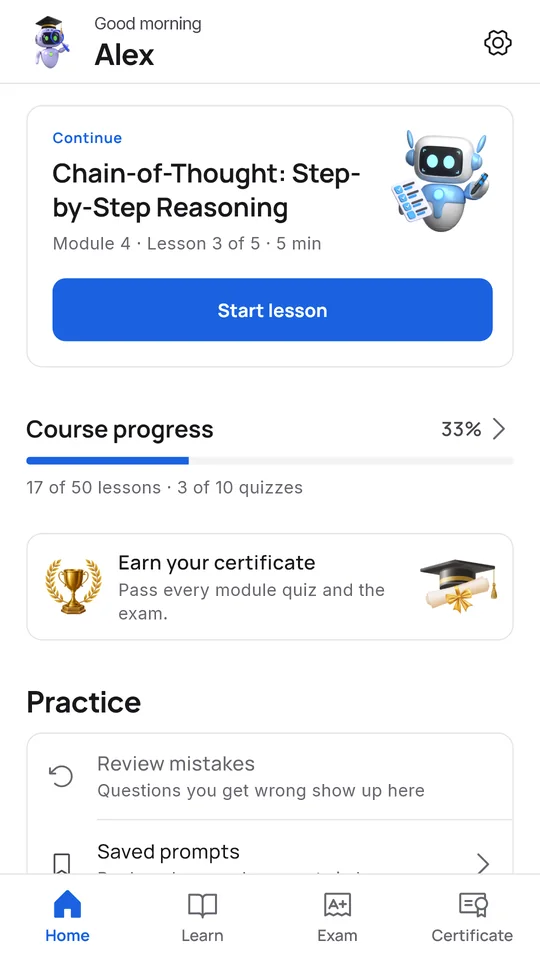
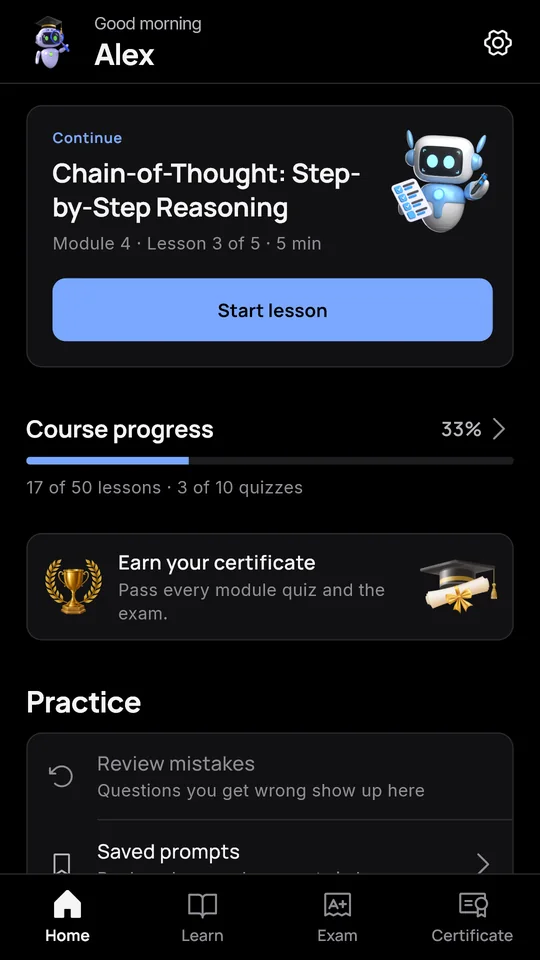
Five-minute lessons with learning goals, worked examples and three quick checks along the way. Pick up where you left off.
-
Prompts you can copy
Every example prompt has a copy button. Bookmark the best ones into your own Saved prompts.
-
Quizzes that unlock the next step
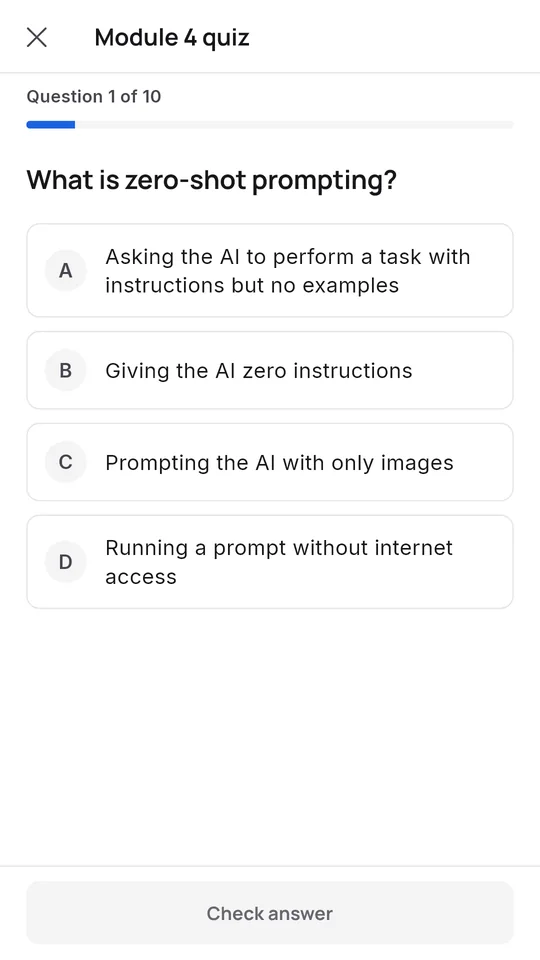
Each module ends with a 10-question quiz. Score 60% to unlock the next module, with an explanation for every answer. Retake it as often as you like.
-
Review your mistakes
Questions you got wrong are collected in one place, so you can practise them until they stick.
-
Works offline
Lessons and quizzes work without a connection. Only the final exam needs the internet.
-
Daily streaks and reminders
A gentle daily goal, badges for each module and an optional reminder. Missing one day never resets your streak.
-
Light and dark
A calm, distraction-free design with a true black dark mode, readable at any text size.
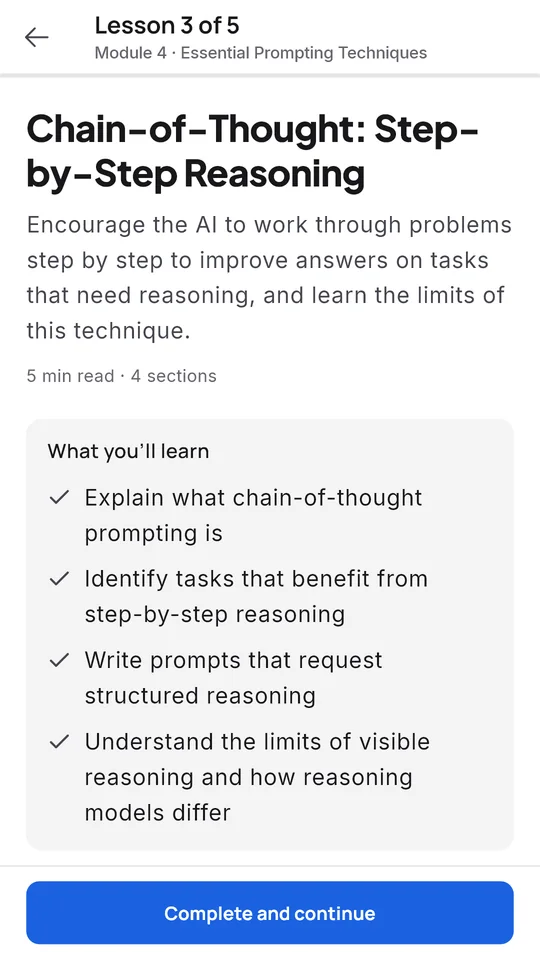
10 modules, from first prompt to best practice.
Each module has 5 lessons and a quiz. Modules unlock one after another, so you always know what to do next.
Learn
Work through 50 short lessons at your own pace. Your place is saved in every lesson.
Practise
Pass each module’s quiz with 60% to unlock the next. Retake as often as you like.
Get certified
Take the final exam: 30 questions from across the course. Score 70% to earn your certificate.
1Introduction to Prompt Engineering5 lessons · 47 min
Discover what prompt engineering is, why the way you ask matters, how we got here, which AI tools you can use today, and how to approach your first prompts with an experimenter's mindset.
2Understanding Artificial Intelligence5 lessons · 46 min
Build a practical mental model of how AI language models work, including tokens, context windows, memory, limitations such as hallucinations, and the different kinds of models and settings you may encounter.
3Anatomy of a Good Prompt5 lessons · 45 min
Break prompts down into their building blocks and learn to write clear instructions, supply the right context, assign useful roles, and control format, tone and constraints.
4Essential Prompting Techniques5 lessons · 47 min
Master the core techniques used by skilled prompt writers: zero-shot and few-shot prompting, step-by-step reasoning, delimiters and structured inputs, and choosing and testing the right technique for each task.
5Advanced Prompting Strategies5 lessons · 46 min
Go beyond single prompts with chaining, self-critique, grounding answers in your own sources, using AI to improve your prompts, and building reusable system prompts and templates.
6Prompting for Productivity5 lessons · 47 min
Apply prompting skills to everyday work: writing emails, summarizing information, planning and prioritizing, learning new topics quickly, and working with spreadsheets and data.
7Creative AI Prompting5 lessons · 49 min
Use AI as a creative partner for brainstorming, storytelling, image generation and marketing copy, while keeping your own voice and originality at the center of the work.
8Coding and Technical Prompting5 lessons · 48 min
Use AI effectively for programming tasks: generating code, debugging errors, understanding and reviewing code, writing tests and documentation, and working safely with AI coding assistants.
9Real-World Applications5 lessons · 47 min
See how prompting skills apply across education, business, careers, high-stakes fields such as health, law and finance, and everyday life, with the safeguards each area requires.
10Ethics and Best Practices5 lessons · 46 min
Use AI responsibly by protecting privacy, recognizing bias, verifying information, respecting copyright and transparency, understanding prompt injection and building a personal checklist for responsible AI use.
-
Final exam and certificate 30 questions · 70% to pass
A closer look.
A certificate anyone can check.
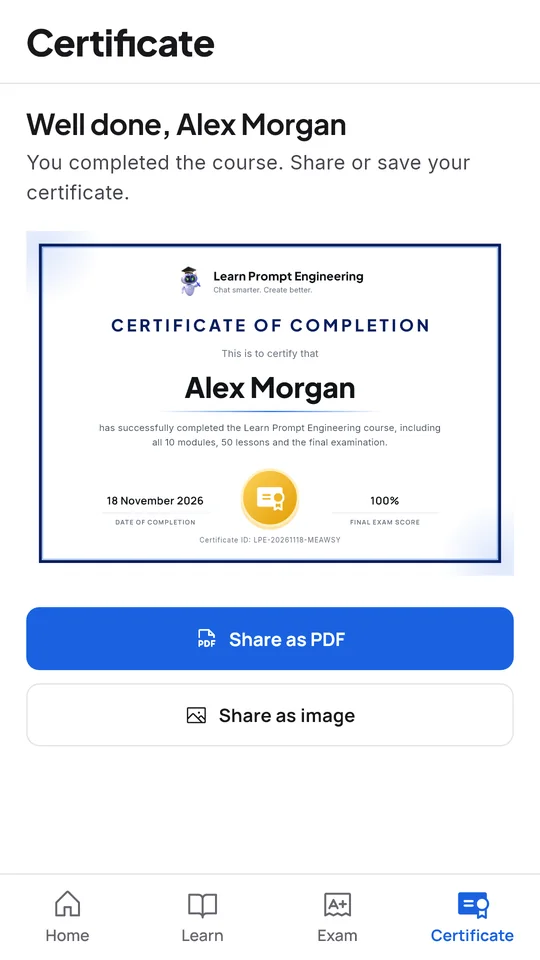
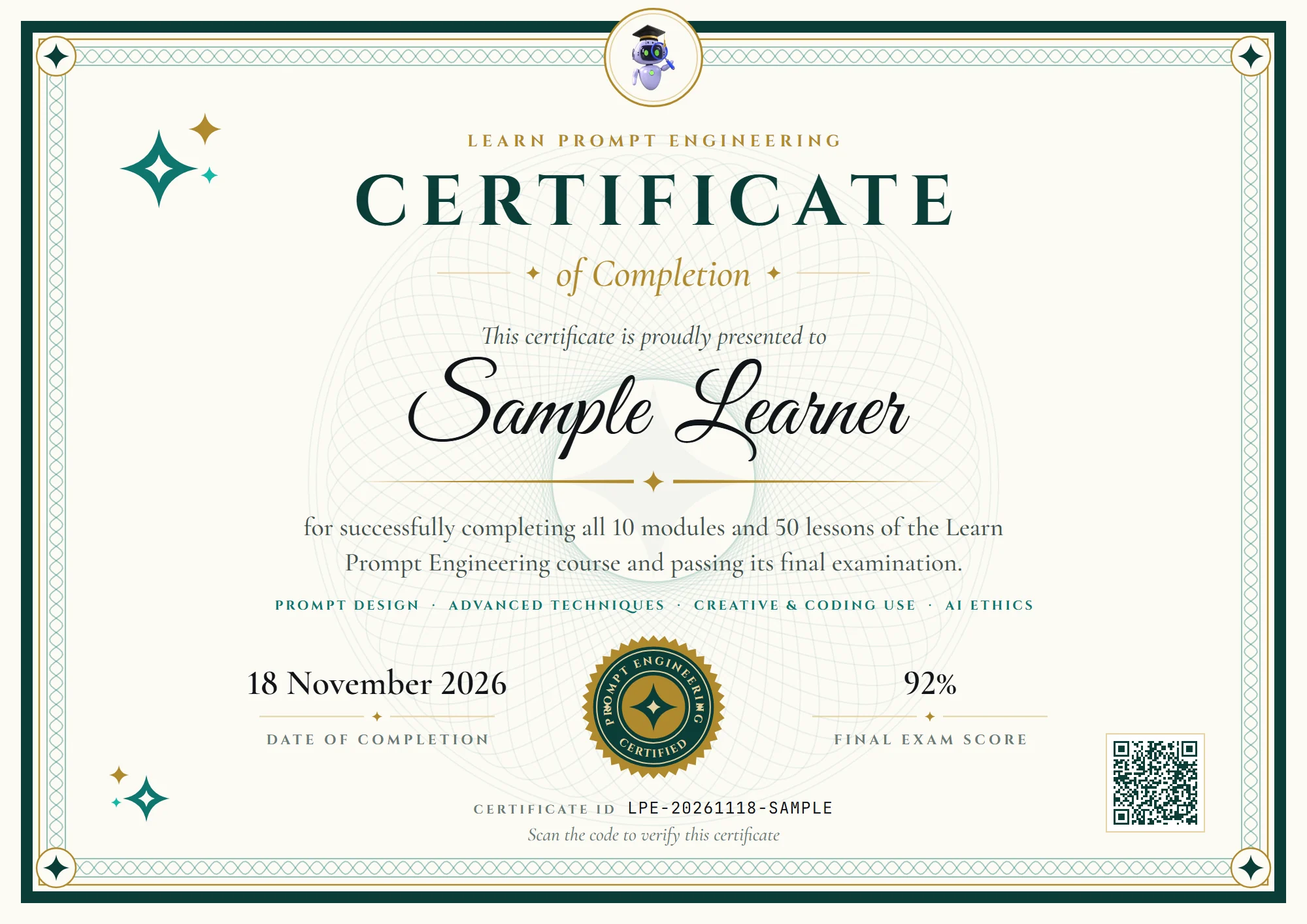
Pass the final exam and your certificate is issued with a unique ID and a QR code. Share it as a PDF or image on LinkedIn, in a CV or with your employer. Anyone who scans the code sees your certificate exactly as it was issued.
- Your name, completion date and final exam score
- Registered online the moment you pass
- Scan the QR code or enter the ID to confirm it’s genuine
Try it with the sample: LPE-20261118-SAMPLE
Your privacy, in short.
No account, no sign-in. Here is everything the app does with your information, in four lines.
-
Progress stays on your phone
Lessons, scores, streaks, saved prompts and drafts never leave your device.
-
Certificates are saved once
When you pass the exam, your name, date, score and ID are saved so anyone can verify it. Your date of birth stays private.
-
Anonymous usage stats
Google Analytics counts things like lessons finished. Never your name or anything you type.
-
Free, with Google ads
Ads keep the course free. Where the law requires it, the app asks for consent first.
Good to know.
Can’t find your answer? Email contact@sureshsubedi.info.np.
Is it really free?
Yes. The whole course, the final exam and the certificate are free. The app shows ads to cover its costs.
Do I need an account?
No. There’s no sign-up. You enter your name and date of birth once, and your progress is saved on your phone. Your name goes on your certificate. Your date of birth makes your certificate ID unique; it is stored privately with your certificate record and is never printed or shown to anyone.
Does it work offline?
Lessons and module quizzes work offline. The final exam needs an internet connection, and so does registering your certificate.
Which AI tools does it cover?
The skills work with any AI chat tool, including ChatGPT, Gemini, Claude and Copilot. The course also covers image generation, coding assistants and using AI responsibly.
Can I change the name on my certificate?
No. The name is set once when you start, so a certificate always belongs to the person who earned it. Check the spelling before you confirm.
How does someone verify my certificate?
They scan the QR code on the certificate, or open the verification page and enter the certificate ID printed at the bottom. They’ll see your name, completion date and score.
Is it available on iPhone?
Not yet. The app is available for Android phones and tablets on Google Play.
Your next prompt can be better.
Start with Module 1 today. Free on Android, no account needed.
Get it on Google Play